Overview
Quick Start Guide
Fortuna is your ultimate tool for trading on Polymarket. Providing real time market analysis, insights, and charting visualizations, with simple commands. Buy, sell & manage your portfolio with rapid speed and superior execution, all within Telegram.
Setting up the bot
Open the Fortuna bot and run /start to begin. Next, add it to a group chat with your friends to get started!
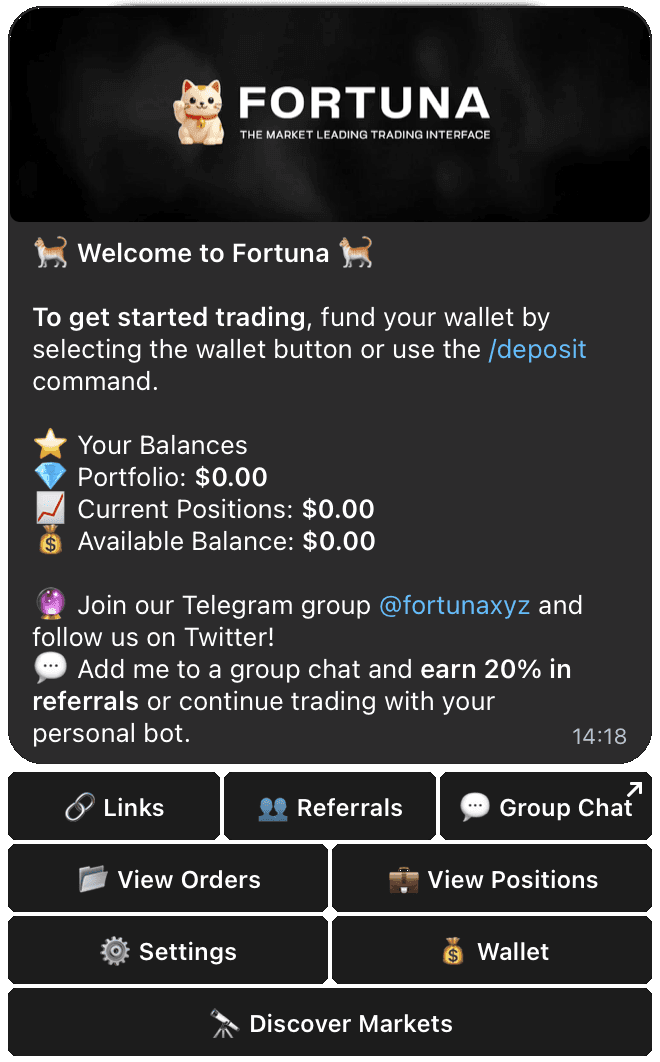
Depositing
Next, deposit funds to your wallet. You can send either USDC on Hyperliquid, Ethereum, Solana, and more. Run /start to view the addresses you can send to. You must deposit at least 10 USDC to begin the bridging process.
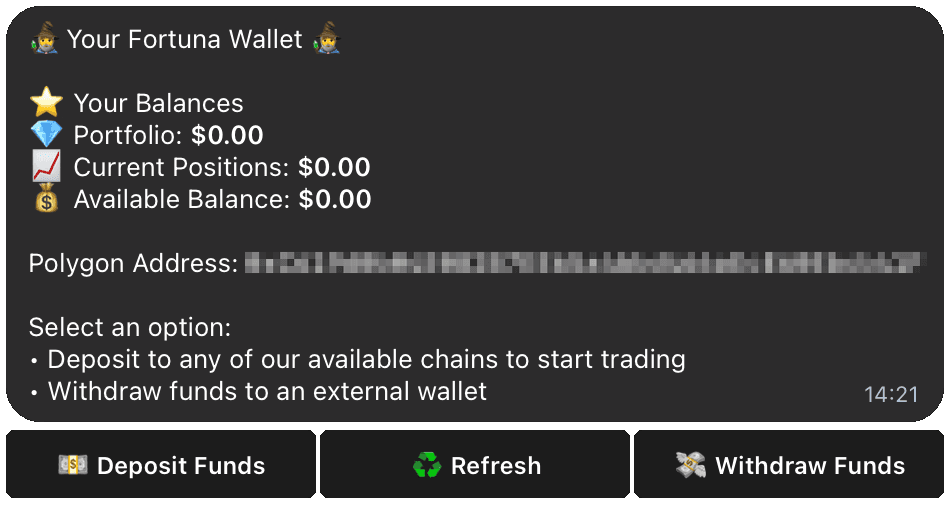
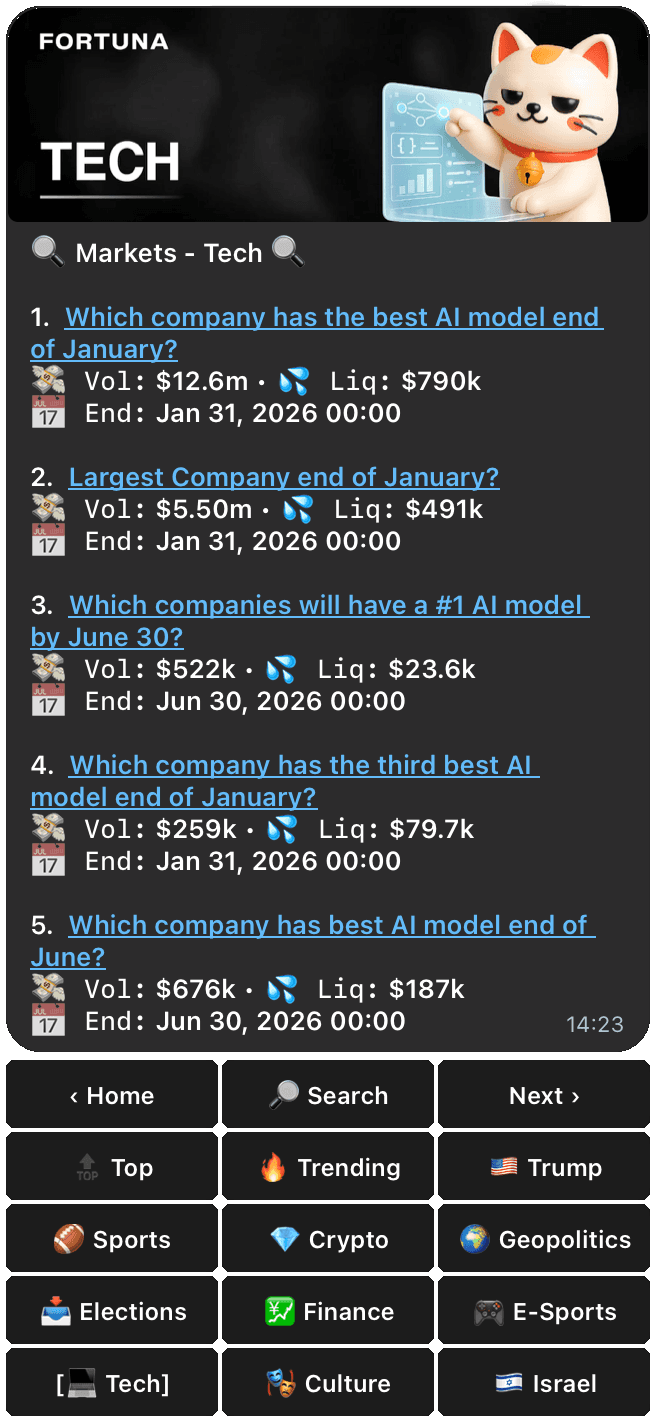
Exploring Markets
Use the /search command to view the available markets you can buy or sell. Opening your first position.
Once your account is funded, type /long or /short to open a position. You will then be prompted to choose a tradable market, and margin. Next, a popup will indicate your notional position size and your execution price. Select confirm to place the market order.
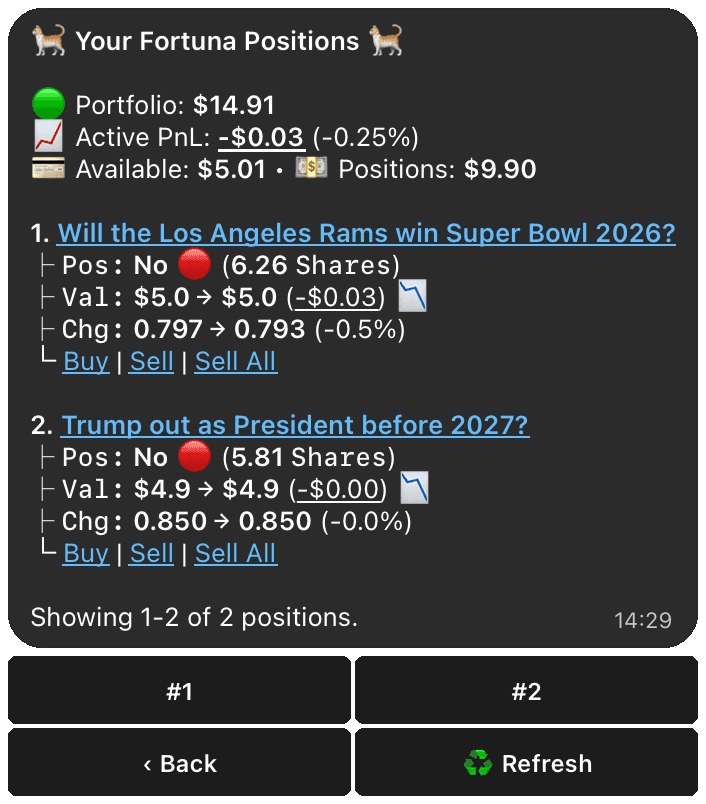
Viewing your positions
Now that you have an open position, you can view your positions with the /positions command, either in DMs with the bot or publicly in your group chat.
You're done!
Congratulations, you’ve placed your first prediction market trade on Fortuna! Make sure to try out other commands like:
/search or /s— Search for a specific tradable market using a query./markets— Browse Polymarket markets inside the bot or paste a Polymarket link to trade instantly./wallet— Check your wallet address, tradable balance, and initiate withdrawals./positions— View your open position balances. You cannot call this command on another user./orders— Manage your open limit orders. Cancel or monitor pending executions./referrals— Track the overall performance history of calls in your chat/deposit— Deposit funds to your wallet./withdraw— Withdraw funds from your wallet./add— Add Fortuna to any group chat.